
Upside-down Trade-in Calculator: What Numbers to Enter
By Philip Reed | Reviewed by Ivan Drury, Director of Insights, Edmunds
Reviewer bio: Ivan Drury has spent years translating dealer pricing, lender payoff mechanics, APR quotes, and trade-in math into practical buying guidance. His review focus here is the way dealerships request payoff quotes, how per-diem interest changes the amount due on a specific date, and how rollover amounts flow through a real trade transaction before tax and fee calculations.
Enter the lender payoff, the car’s current trade-in value, and any dealer fees or credits the calculator asks for. Skip your monthly payment, original purchase price, and MSRP. Wrong inputs can make negative equity look smaller or larger than it really is, which throws off your loan estimate and your next-car budget. This guide maps each field, shows what to leave blank, and points out the mistakes that skew the result most.
For related help, see our trade-in value calculator, auto loan payoff guide, APR explainer, and negative equity and rollover guide.
What the calculator needs
Most trade-in calculators typically need four core numbers: what your current vehicle is worth, what you still owe, what the next vehicle costs, and how you plan to pay the difference. APR and loan term help estimate payment. Tax, fees, and any rolled negative equity decide how much gets financed.
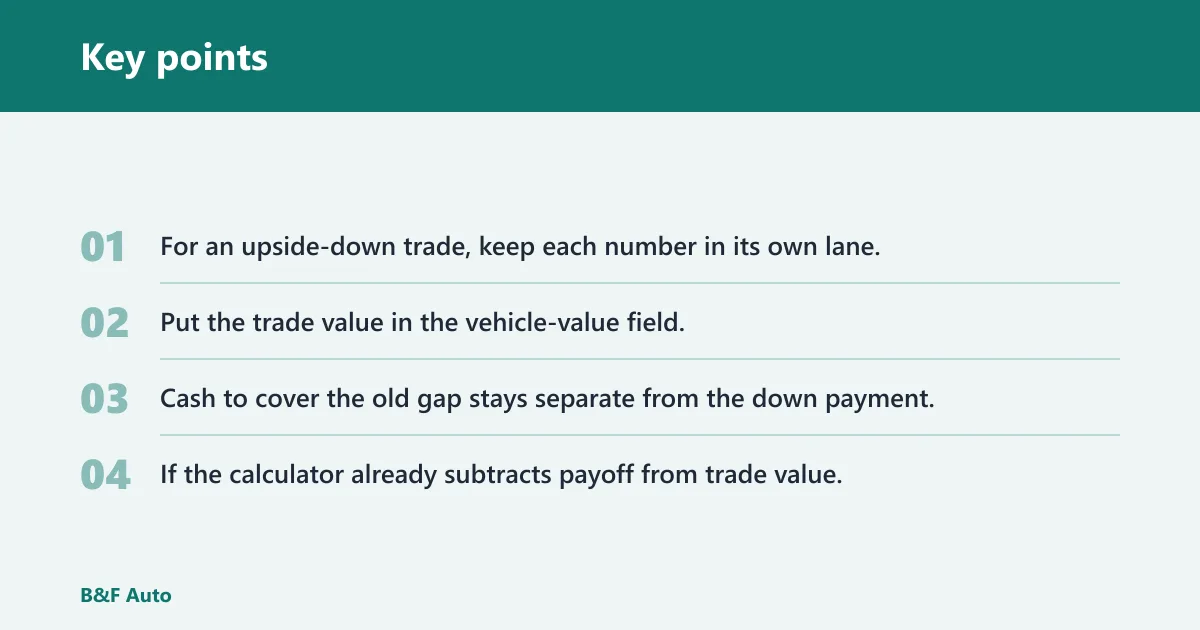
For an upside-down trade, keep each number in its own lane. Put the payoff in the old loan field. Put the trade value in the vehicle-value field. Cash to cover the old gap stays separate from the down payment. If the calculator already subtracts payoff from trade value, do not enter the shortfall again.
Trade-in input worksheet
| Calculator field | What number to use | Where to find it | When to leave it at zero | Most common mistake |
|---|---|---|---|---|
| Current loan payoff | The lender payoff quote, including interest through the payoff date | Your lender’s payoff statement or account portal | If you own the car free and clear | Using the online balance instead of the payoff quote |
| Trade-in value | A realistic dealer offer or trade-in estimate | Appraisal, dealer offer, or calculator estimate based on condition and mileage | If the calculator has a separate field for private-sale value and you are not selling privately | Using private-party value in a trade-in field |
| New car price | The agreed price before tax and fees | Buyer’s order or purchase agreement | If you are only estimating the trade side, not the next purchase | Entering the monthly payment instead of the sale price |
| Down payment | Cash you apply to the new purchase | Your cash offer for the new deal | If you are not putting cash toward the new purchase | Mixing it with cash used to cover the old loan gap |
| Cash for old loan gap | Cash used to reduce the upside-down amount before any rollover | Your own funds set aside for negative equity | If you are rolling the entire shortfall into the new loan | Entering this money as the down payment |
| APR | Annual percentage rate | Lender offer, dealer financing sheet, or quoted rate | If the calculator only wants a price estimate and not a payment estimate | Leaving the field blank when the tool uses APR to compute payment |
| Loan term | Number of monthly payments, or years if that is how the calculator is labeled | Loan offer or financing quote | If the calculator is not estimating monthly payment | Entering years in a field that expects months |
| Sales tax and fees | The sales tax rate and any dealer, title, and registration fees the tool asks for | Buyer’s order, state rules, dealer quote | If the calculator already includes those costs in its price field | Adding taxes twice or assuming every deal taxes the same base |
What to enter for your loan payoff
Use the lender payoff quote, not the balance shown in your online account. The payoff quote can include interest through a specific payoff date, and many lenders add per-diem interest or other fees if the loan is prepaid before that date. The CFPB notes that the amount needed to pay off a loan can differ from the current balance because interest can continue to accrue until payoff, and lender payoff statements may include additional charges allowed by the contract.
Payoff quote versus online balance
Think of the online balance as a snapshot, and the payoff quote as the actual amount needed to close the loan on a specific date. If you are trading the car in this week, the payoff date matters. A quote dated after your planned trade date can change the number.
Suppose your account shows a balance of $18,200, but your lender payoff quote for next Tuesday is higher because interest keeps accruing. Enter the quote amount, not the snapshot balance. That keeps the negative equity from looking smaller than it is.
How to get the payoff amount from your lender
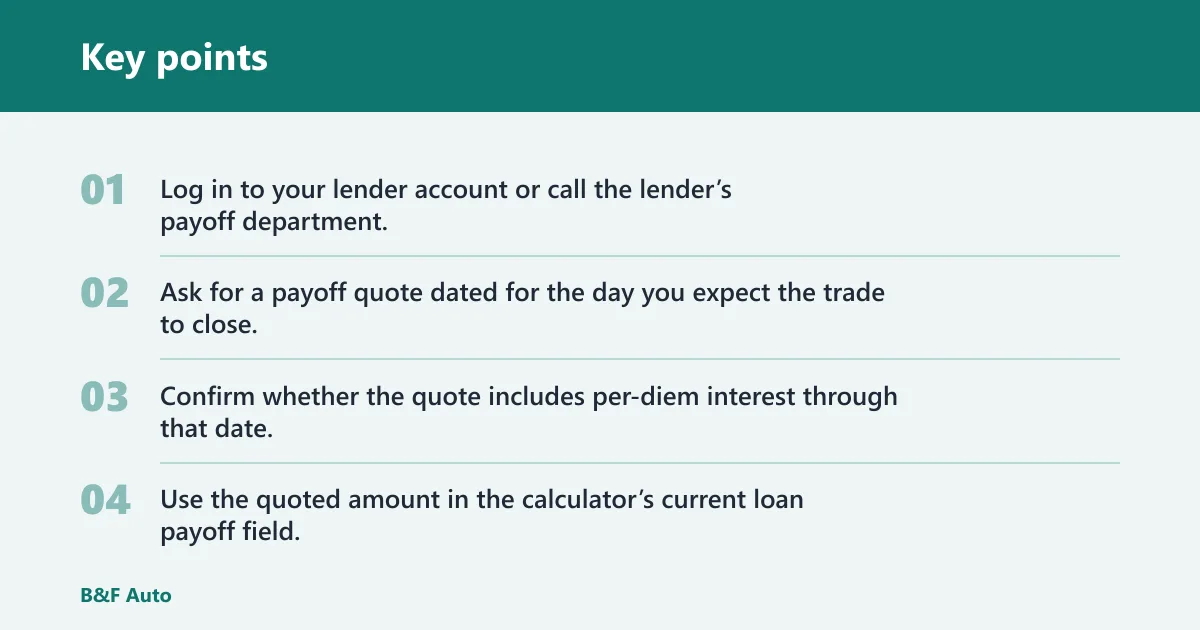
- Log in to your lender account or call the lender’s payoff department.
- Ask for a payoff quote dated for the day you expect the trade to close.
- Confirm whether the quote includes per-diem interest through that date.
- Use the quoted amount in the calculator’s current loan payoff field.
If the quote expires before the deal closes, request a fresh quote. The payoff can change from one date to the next. Many dealers request this quote directly from the lender because the amount sent to the lender has to match the closing date, not just the balance in the consumer portal.
What to enter for trade-in value
Use a realistic trade-in value, not a private-party value, unless the calculator specifically asks for private-sale pricing. The trade-in number is the one that matters for negative equity because it is the amount a dealer is likely to credit against your loan. A private-party figure can be too high for this purpose.
Trade-in estimate versus private-party value
A trade-in offer reflects condition, mileage, and wholesale demand. Private-party value assumes a different transaction and usually a different price level. If the calculator has only one vehicle-value field for a dealer trade, put the trade number there, not the private-party number.
A common first-timer mistake is entering the higher private-sale estimate because it looks better on paper. That can hide negative equity and make the next loan look safer than it is.
What if the dealer offer is higher or lower than your online estimate?
If the dealer offer is higher, use the higher offer for the calculator. If it is lower, use the lower offer. Use the number that is actually available in the deal, not the estimate that looked best online.
Picture a car valued at $16,000 in one online tool, but the dealer’s inspection brings the offer down to $15,200 because of tire wear and body damage. Enter $15,200. That keeps the negative equity calculation honest.
If the offer changes materially from the online estimate, ask for the dealer’s appraisal sheet or write-up, compare the deduction line by line, and rerun the calculator with the actual deal number. That is the cleanest way to see whether the difference is coming from condition, market pricing, reconditioning, or a fee that was not included in the estimate.
How to enter the new purchase price
Enter the agreed new car price before tax and fees, not the monthly payment. The sale price is the starting point for amount financed and, in some setups, loan-to-value. Monthly payment is the result, not the input.
Why the monthly payment is the wrong field
A payment can look manageable even when the financed amount is high. The calculator needs the vehicle price so it can layer on fees, tax, and any rolled negative equity in the right order. If you paste in a payment figure, the rest of the math breaks.
How rebates and incentives can change the taxable base
Some deals tax the full price, while others tax the price after trade-in value. Rebates and incentives can also change the taxable base depending on local rules and deal structure. Use the calculator’s instructions or the buyer’s order if it shows the taxable amount clearly.
Do not assume every trade-in deal uses the same tax treatment. State revenue departments and DMVs often explain that tax is jurisdiction-dependent, and some states tax the entire vehicle price while others apply trade-in credits, rebates, or title transfer rules differently. If the tool asks for a sales tax rate and a separate taxable price, follow its labels exactly and confirm the base with the dealer or your state agency.
How to enter cash, APR, and term
Down payment is cash toward the new purchase. Cash used to cover the old loan gap is separate. APR and loan term are needed when the calculator estimates payment and total interest, because they determine how expensive the borrowed amount becomes over time. Under CFPB guidance, APR is the annual cost of borrowing expressed as a rate, while loan term is the length of the repayment period that determines how many payments you will make.
Down payment versus cash for old debt
Down payment lowers the new purchase amount. Cash for old debt reduces the upside-down part of the current loan before any remaining shortfall is rolled into the new one. Do not merge them in a single field unless the calculator explicitly combines them.
Suppose you plan to put $3,000 down on the next car and also bring $2,000 to reduce the old loan gap. Enter those as two different items if the calculator has separate fields. Mixing them into one number can distort both the new amount financed and the rollover math.
Why the calculator asks for APR and loan term
APR means annual percentage rate and is the yearly borrowing cost. Loan term is the number of monthly payments used in the estimate. Together, they tell the calculator how much interest builds up and how the payment changes as the loan gets longer or shorter.
A longer term usually lowers the monthly payment but raises total interest. If you are comparing a rollover deal with a clean trade, that trade-off matters because negative equity adds principal before interest even starts.
Taxes, fees, and negative equity
Enter sales tax and dealer, title, and registration fees only if the calculator does not already include them. When negative equity is rolled into the new loan, the amount financed goes up. That can also raise loan-to-value, and over 100 percent loan-to-value means the loan starts above the car price.
When to include taxes and dealer fees
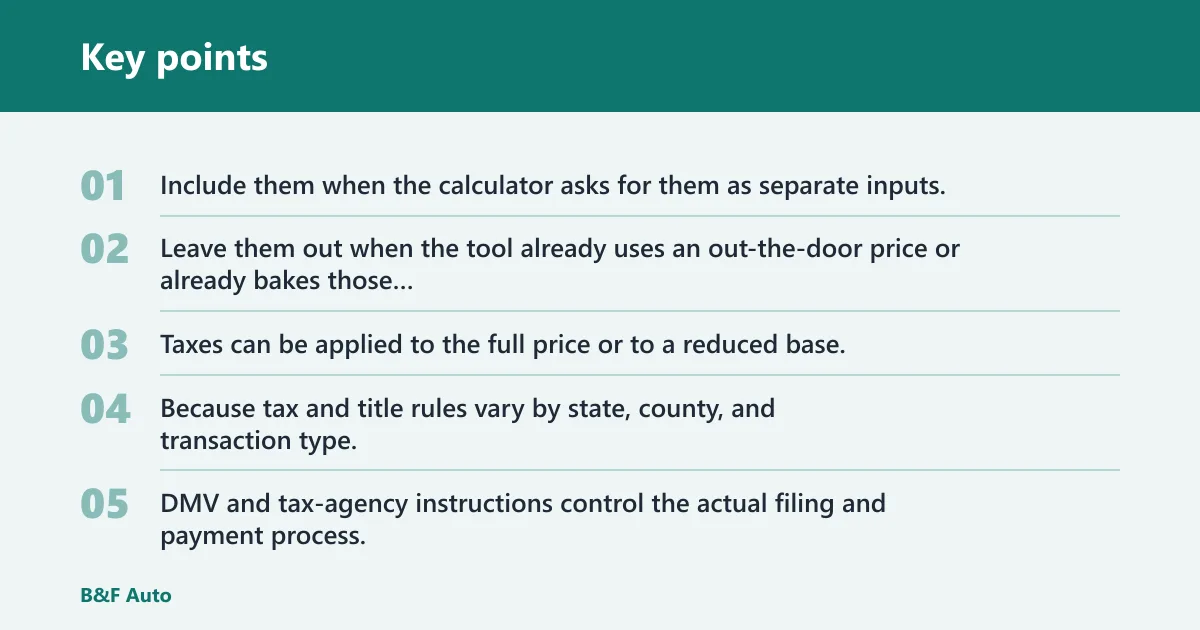
Include them when the calculator asks for them as separate inputs. Leave them out when the tool already uses an out-the-door price or already bakes those costs into the purchase-price field. Taxes can be applied to the full price or to a reduced base, so the deal structure matters.
Because tax and title rules vary by state, county, and transaction type, treat any generic calculator as an estimate unless it is tied to a jurisdiction-specific rule set or a dealer buyer’s order. DMV and tax-agency instructions control the actual filing and payment process.
How rolled negative equity changes amount financed
A loan is upside down when the payoff is bigger than the car value. The shortfall can be rolled into the new loan when trading in, but that shortfall should not be entered twice. If the calculator subtracts payoff from trade value on its own, enter only the payoff and trade value fields it asks for.
The default rollover example shows $6,000 of negative equity. If the new vehicle price is about $30,000, the rollover makes the starting loan amount about $36,000 before any tax or fee changes. That is how the debt grows without any extra mistake in the inputs.
What loan-to-value means in a rollover deal
Loan-to-value compares the loan amount with the vehicle value used by the calculator. Over 100 percent means the loan starts above the car price. In a rollover deal, that can happen even before sales tax and fees are added.
Using the default rollover example, a $36,000 starting loan against a $30,000 vehicle value equals 120 percent loan-to-value. A specific loan-to-value percentage will always depend on the price, trade credit, fees, and any negative equity being financed, so avoid treating any single percentage as universal.
What the calculator needs, in the fewest steps
If you want the minimum inputs for a fast answer, start with payoff, trade value, new price, and term. Then add APR if you want a payment estimate, and add tax and fees only if the tool asks for them separately. Leave rollover fields at zero unless you are intentionally covering old debt.
- Get the lender payoff quote.
- Get a realistic trade-in value.
- Enter the agreed new car price before tax and fees.
- Add down payment if you have one.
- Add APR and term if the calculator estimates payment.
- Enter tax and fees only if they are not already included.
- Keep cash for the old loan gap separate from the down payment.
Common mistakes and how to avoid them
The biggest errors are simple, but they distort the result fast. Using a loan balance instead of the payoff quote understates debt. Using private-party value instead of trade value overstates equity. Entering the monthly payment instead of the sale price breaks the whole calculation.
Another common mistake is double counting negative equity. If the calculator already calculates the shortfall from payoff minus trade value, do not enter the shortfall again in a rollover field. That mistake makes the next loan look larger than it really is.
- Use the payoff quote, not an outdated balance.
- Use trade-in value, not private-party value, unless asked for it.
- Enter the agreed price before tax and fees, not the payment.
- Keep down payment separate from cash for old debt.
- Do not add the negative equity twice.
- Check whether tax is based on full price or a reduced base.
- Match APR and term units to the calculator labels.
Frequently asked questions
What do I enter for current loan payoff vs loan balance?
Enter the lender payoff quote. The online balance is only a snapshot, while the payoff quote can include interest through a payoff date. If the quote and the balance differ, the quote is the number that clears the loan on time.
Should I use trade-in value or private-party value in the calculator?
Use trade-in value unless the calculator specifically asks for a private-party estimate. Trade-in value is the better match for a dealer deal and for calculating negative equity. Private-party value can overstate what the car will actually bring in a trade.
Do I include sales tax and dealer fees in the numbers?
Include them only if the calculator asks for them separately. Some deals tax the full price, while others tax the price after trade-in value. Dealer, title, and registration fees may also be added differently depending on the tool and the deal structure. Check the dealer’s buyer’s order and the state tax or DMV guidance if the taxable base is unclear.
What if I am rolling negative equity into a new loan?
Enter the payoff and trade value fields the calculator asks for, then use any separate rollover field only if the tool does not already compute the shortfall itself. Do not enter the same negative equity twice. Rolling it in raises the amount financed and can push loan-to-value above 100 percent.
What is the difference between down payment and cash to cover old debt?
Down payment reduces the new purchase amount. Cash to cover old debt reduces the upside-down part of the current loan before any remaining shortfall is rolled over. Keep them separate so the calculator does not treat your old debt relief as new-money down payment.
Why does the calculator ask for APR and loan term?
APR is the yearly borrowing cost, and loan term is the number of monthly payments. The calculator uses both to estimate payment size and total interest. Without them, it can show the purchase amount but not the cost of carrying that debt over time.
What if the payoff quote date is different from the day I’m actually closing?
Use the quote date that matches the day the dealer expects to pay the lender. If the trade closes later, request an updated payoff quote because per-diem interest can change the amount due. A quote for the wrong date can leave a small unpaid balance or overstate the rollover amount.
What should I do if the dealer offer differs from my online estimate?
Use the actual dealer offer for the calculator, then ask the dealer which condition item changed the value if the gap is meaningful. Recheck mileage, tire condition, cosmetic damage, reconditioning deductions, and any fees that were excluded from the online estimate. If the difference is large, rerun the numbers with the dealer’s appraisal so you can compare the deal you can actually sign.
Sources
- Consumer Financial Protection Bureau (CFPB), guidance on loan payoff amounts, APR, and loan terms.
- Major bank and credit union auto loan payoff instructions, which explain that payoff quotes can include per-diem interest and may differ from online balances.
- State DMV and state department of revenue/tax guidance on vehicle sales tax, title, and registration treatment.
- Dealer buyer’s orders and financing worksheets used to identify taxable price, fees, and trade-in credits in a closed deal.