How to Use a Trade-in Value Calculator
Enter the VIN, mileage, trim, and condition, then treat the calculator’s trade-in value as a negotiation benchmark, not a final offer; compare it with at least two dealer appraisals and your payoff balance. Skip that step, and you can leave money on the table or mistake negative equity for dealer lowballing. This guide shows how to use the number, what changes it, and how to verify it against real appraisal and payoff numbers.
Introduction
What you’ll need
- Year, make, model, and trim
- Current mileage from the odometer
- VIN, if the tool accepts it
- Condition notes: Excellent, Very Good, Good, Fair, or Poor
- Service records and maintenance receipts
- Accident history and repair documents
- ZIP code for local pricing
- Fuel type, if the tool asks for it
- Loan payoff amount, if the car is financed
How do you use a trade-in value calculator?
Start with the exact vehicle identity, then use the result as a bargaining anchor, not a promise. A good calculator estimates trade-in, private sale, dealer retail, and auction values, so the number is most useful when you compare those outputs with a dealer appraisal and your payoff balance.
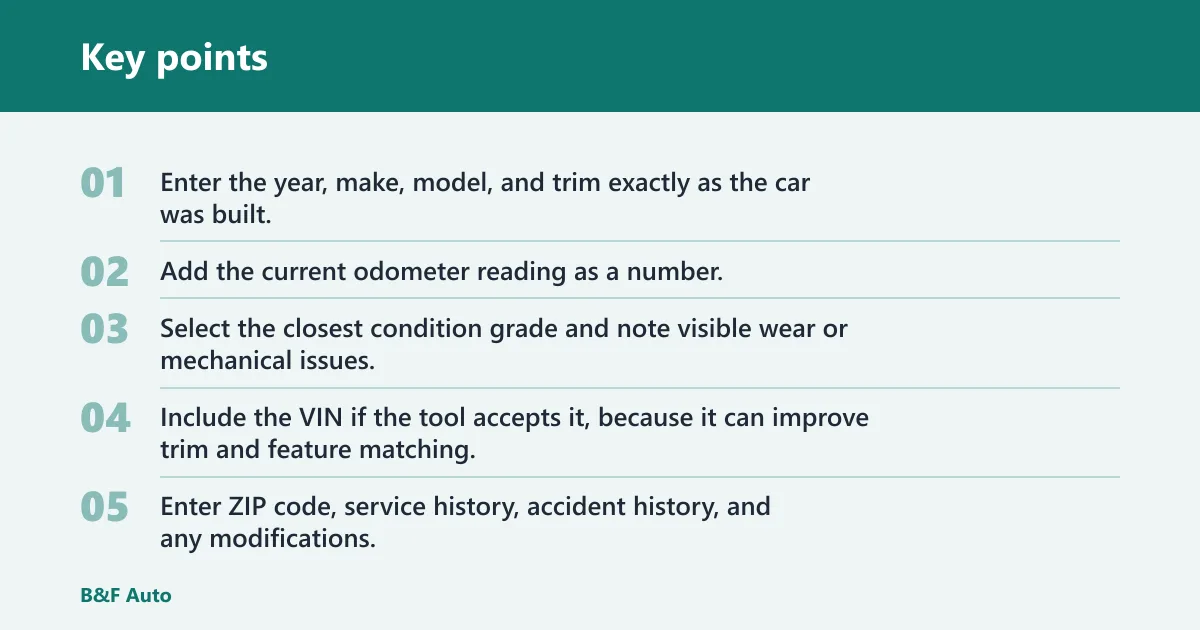
- Enter the year, make, model, and trim exactly as the car was built.
- Add the current odometer reading as a number.
- Select the closest condition grade and note visible wear or mechanical issues.
- Include the VIN if the tool accepts it, because it can improve trim and feature matching.
- Enter ZIP code, service history, accident history, and any modifications.
- Compare the calculator’s trade-in result with at least two dealer offers before accepting anything.
What information should you enter first?
Lead with year, make, model, and trim. That is the core vehicle identity the tool uses to place the car in the right value range. Then add mileage and condition, because those inputs usually move the estimate more than accessories or cosmetic details.
What if your trim is unclear?
Use the build sheet, window sticker, or VIN decoder result if the trim badge is missing or vague. A base model and a higher trim can differ enough that a rough match pushes the estimate off before mileage or condition is even considered.
What should you enter for mileage?
Use the current odometer reading, not a guess. High mileage usually pulls the number down, while lower mileage usually raises value. If the tool offers a mileage band, choose the closest exact band rather than rounding down.
How do mileage and condition change the estimate?
Mileage and condition are the two fastest ways to move a trade-in figure. Car and Driver says its calculator uses age, mileage, condition, options, and accident history, and it uses Black Book data dealers use to appraise vehicles. That means the tool is trying to mirror dealer logic, not private-sale asking prices. (Caranddriver)
Check the mileage band the tool uses
Look for the band that matches the odometer, then resist the urge to round a high number down. A 92,000-mile car usually will not price like an 82,000-mile car. Even when the difference seems modest, the calculator may place it in a lower band.
Match condition to visible wear and mechanical issues
Use the closest grade from Excellent, Very Good, Good, Fair, or Poor. Visible wear matters when it is obvious: worn tires, cracked glass, torn seats, peeling clear coat, or warning lights can push a car out of the grade you hoped to pick.
Flag accident history, service history, and missing records
Accident history matters most when repairs were major or structural. Full service history can help support a stronger estimate, partial records may do less, and missing records can weaken confidence. Service history, accident history, MOT status, and modifications all appear in some calculators, so do not skip them.
For example, a 2019 sedan with about 48,000 miles, clean service records, and a minor bumper replacement would usually be appraised differently from the same car with structural repair notes, even if the body panels look tidy at a glance.
How do location and market data affect value?
Enter your ZIP code if the calculator asks for it. Local demand can change the estimate because dealers price against area-specific demand and market supply, not a national average. The same vehicle can move differently in one region than another.
Use ZIP code for local demand
ZIP-based adjustments help the calculator reflect local market pricing. A truck, for example, may bring a stronger trade number in an area where four-wheel-drive vehicles are in heavier demand. A small hatchback may price better in a city where compact cars move quickly.
Expect dealer-used data to differ from private-sale pricing
Dealer appraisals are built to leave room for reconditioning, transport, and resale risk. That is why dealer-used data can land below private-party value and above auction value in some cases. Car and Driver notes that location can affect value through local preferences.
Why the same car can price differently nearby
Two dealers twenty miles apart can face different inventory needs. One may need your exact body style and color, while the other already has too many. The calculator can reflect that in broad terms, but only the in-person appraisal can confirm it.
Can you trade in a car with a loan?
Yes. A financed vehicle can still be traded in, but you need to compare the remaining payoff balance against the calculator estimate and the dealer offer. The key question is whether the trade covers the loan, creates positive equity, or leaves you with negative equity that must be rolled into the next deal.
Look up the remaining payoff balance
Ask your lender for the exact payoff amount, not just the current statement balance. Payoff numbers can include daily interest, so the figure may be different by the day you visit the dealer. Bring that number with the trade-in estimate.
Sort positive equity from negative equity
If the calculator estimate is higher than the payoff, you have positive equity. If the payoff is higher, you have negative equity. Dealers may still take the car, but the shortfall does not disappear; it usually rolls into the new finance contract unless you cover it another way.
Picture a car with about a $17,500 trade-in estimate and about a $19,200 payoff. The result would be about $1,700 in negative equity before fees or taxes are added. If the dealer’s offer comes in lower after inspection, that gap grows.
Trade-in value worksheet
Use this checklist before you open the calculator, then verify the result against dealer appraisals. The point is to avoid overestimating the number before you walk into the showroom.
| What to gather | Why it matters | What changes if it is missing or vague |
|---|---|---|
| Year, make, model, trim | Sets the exact vehicle identity | Value can shift to the wrong trim level |
| Current mileage | Feeds the age-and-use adjustment | The estimate can land in the wrong mileage band |
| VIN | Improves trim and feature matching | The tool may miss options or equipment |
| Condition notes | Supports the grading choice | Too-optimistic grading can inflate the estimate |
| Service history | Shows maintenance consistency | Missing records can reduce confidence in the number |
| Accident history | Helps price prior damage correctly | Unreported repairs can lower the final offer |
| ZIP code | Adjusts for local demand | The estimate may miss regional pricing |
| Loan payoff | Shows equity or shortfall | You cannot tell if the trade is upside down |
Factors that most often change the estimate
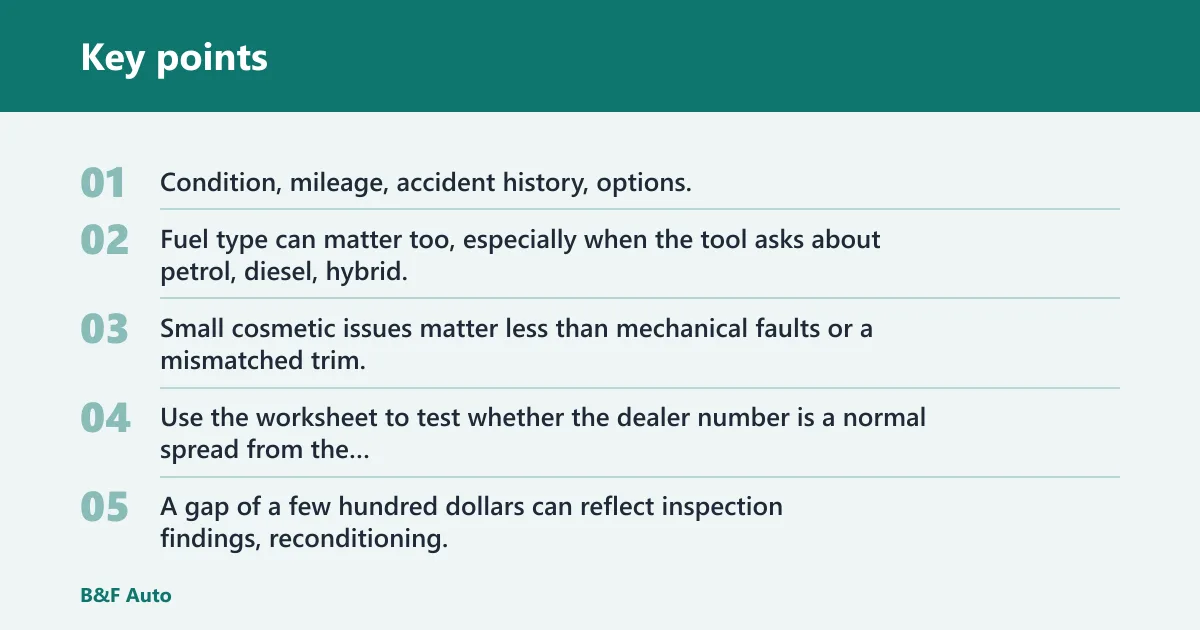
Condition, mileage, accident history, options, and ZIP code usually move the estimate the most. Fuel type can matter too, especially when the tool asks about petrol, diesel, hybrid, electric, or plug-in hybrid. Small cosmetic issues matter less than mechanical faults or a mismatched trim.
| Calculator estimate | Dealer offer | Loan payoff | Equity result |
|---|---|---|---|
| $18,400 | $17,250 | $15,900 | +$1,350 positive equity |
| $18,400 | $17,250 | $19,100 | -$1,850 negative equity |
Compare the result before you sign
Use the worksheet to test whether the dealer number is a normal spread from the calculator estimate or a real problem. A gap of a few hundred dollars can reflect inspection findings, reconditioning, or market timing. A much larger gap deserves a second appraisal.
Common mistakes
The biggest mistakes are optimistic grading, missing damage history, and mixing up trade-in value with private sale value. Those errors make a calculator look “wrong” when the real problem is the input or the comparison target. Clean the car, bring records, and expect the final offer to change after inspection.
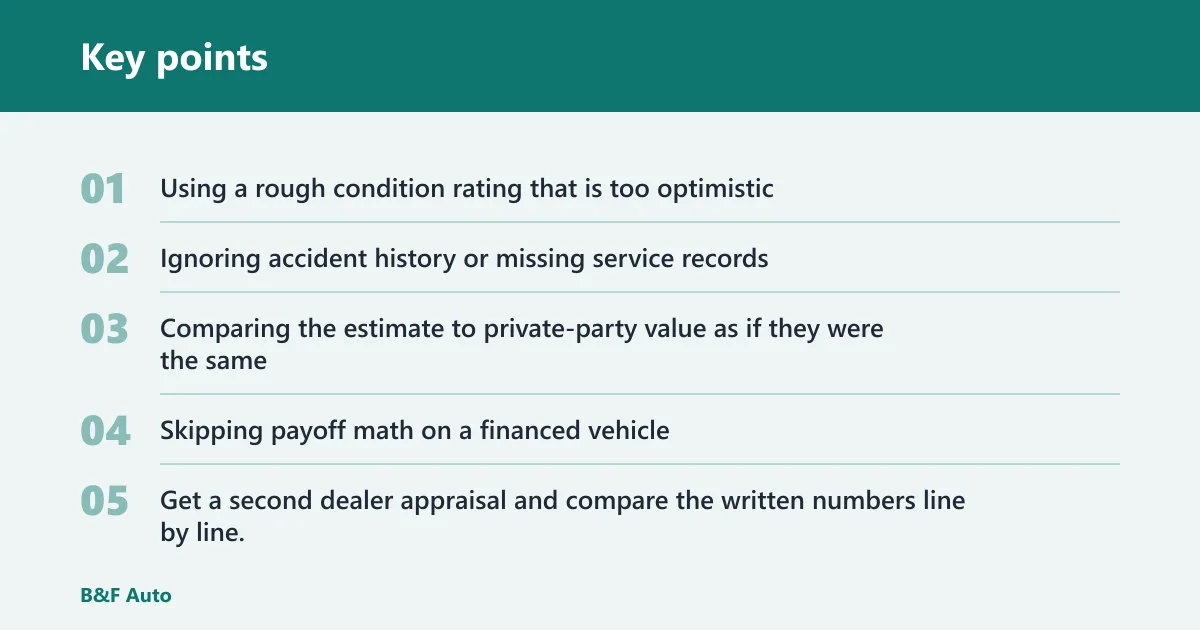
- Using a rough condition rating that is too optimistic. Check visible wear, warning lights, tire tread, and cosmetic damage before selecting a grade.
- Ignoring accident history or missing service records. Even repaired damage can affect the final number if the repair was major.
- Comparing the estimate to private-party value as if they were the same. They are different figures, and the trade-in number is usually lower because the dealer needs room to resell.
- Skipping payoff math on a financed vehicle. You need payoff, trade-in value, and equity in the same view.
A common first-timer mistake is to enter a clean body and forget that a check-engine light or dead air-conditioning compressor changes the appraisal. That single missed issue can move the final offer more than a polished exterior does.
If that didn’t work, try this next
- Get a second dealer appraisal and compare the written numbers line by line.
- Ask the dealer which items caused the adjustment, then verify them against the car’s actual condition.
- Recheck the VIN, trim, mileage, and payoff figures before you assume the calculator is off.
Cleaning the car and bringing maintenance records is still worth doing, even when the calculator result looks strong. Dealers appraise with an eye on reconditioning cost, so presentation and paperwork can help reduce avoidable deductions.
Frequently asked questions
What information do I need for a trade-in value calculator?
You usually need the vehicle’s year, make, model, trim, mileage, and condition first. Many tools also ask for service history, accident history, fuel type, modifications, and ZIP code. If the car is financed, add the payoff amount so you can judge equity.
Is a VIN required for a trade-in value calculator?
No, not always. Some tools work without it, but VIN entry usually improves trim and feature matching. If you have multiple trims with similar badges, the VIN helps the calculator land on the exact configuration instead of a close guess.
How accurate is a trade-in value calculator?
It is best used as an estimate that helps you judge a dealer offer. The final appraisal can change after inspection, especially if the car has visible wear, mechanical issues, accident damage, or missing records. Market data and location also shift the number.
What is the difference between trade-in value and private sale value?
Trade-in value is what a dealer may offer for the car, while private-party value is what another driver might pay. Trade-in is usually lower because the dealer must recondition and resell the vehicle. Car and Driver says its calculator gives both values.
Can I use a trade-in calculator if my car has a loan?
Yes. A financed car can still be traded in, but you need the remaining payoff balance to see whether you have positive or negative equity. Compare payoff to the calculator estimate and the dealer offer before you agree to roll anything into a new loan.
Does location affect my car’s trade-in value?
Yes. ZIP code can change the estimate because local demand and regional preferences matter. A dealer’s own used-car data can differ from a national figure, so two nearby markets may produce different offers for the same car.